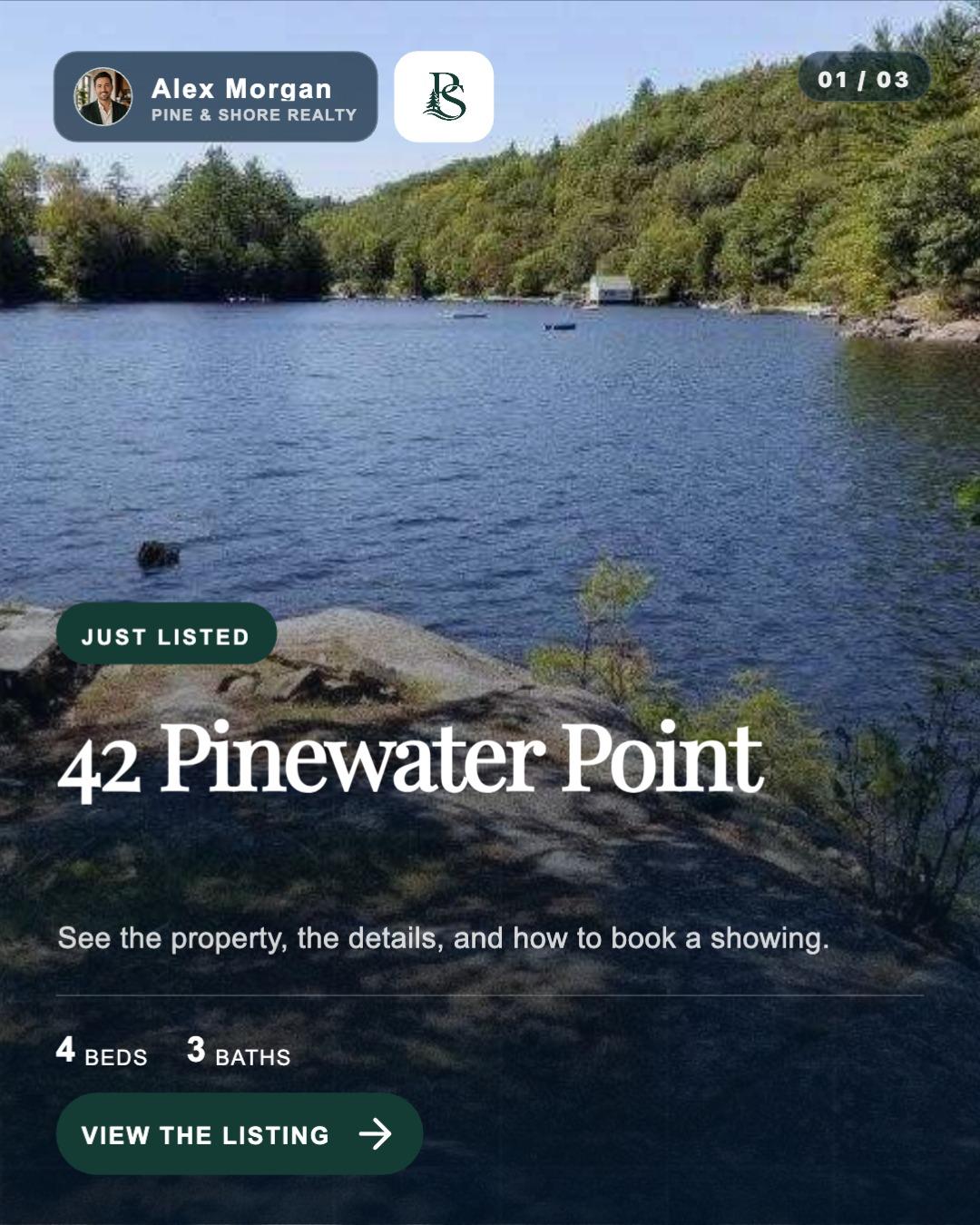
4:5 Post · carousel
A feed story that earns the swipe
Lead with the launch, then use supporting slides and a complete listing-aware caption to keep the story moving.

ListingAI uses the photos, facts and brand already attached to the property to prepare coordinated Posts, Stories and Reels. Start with work worth reviewing—not another blank canvas.
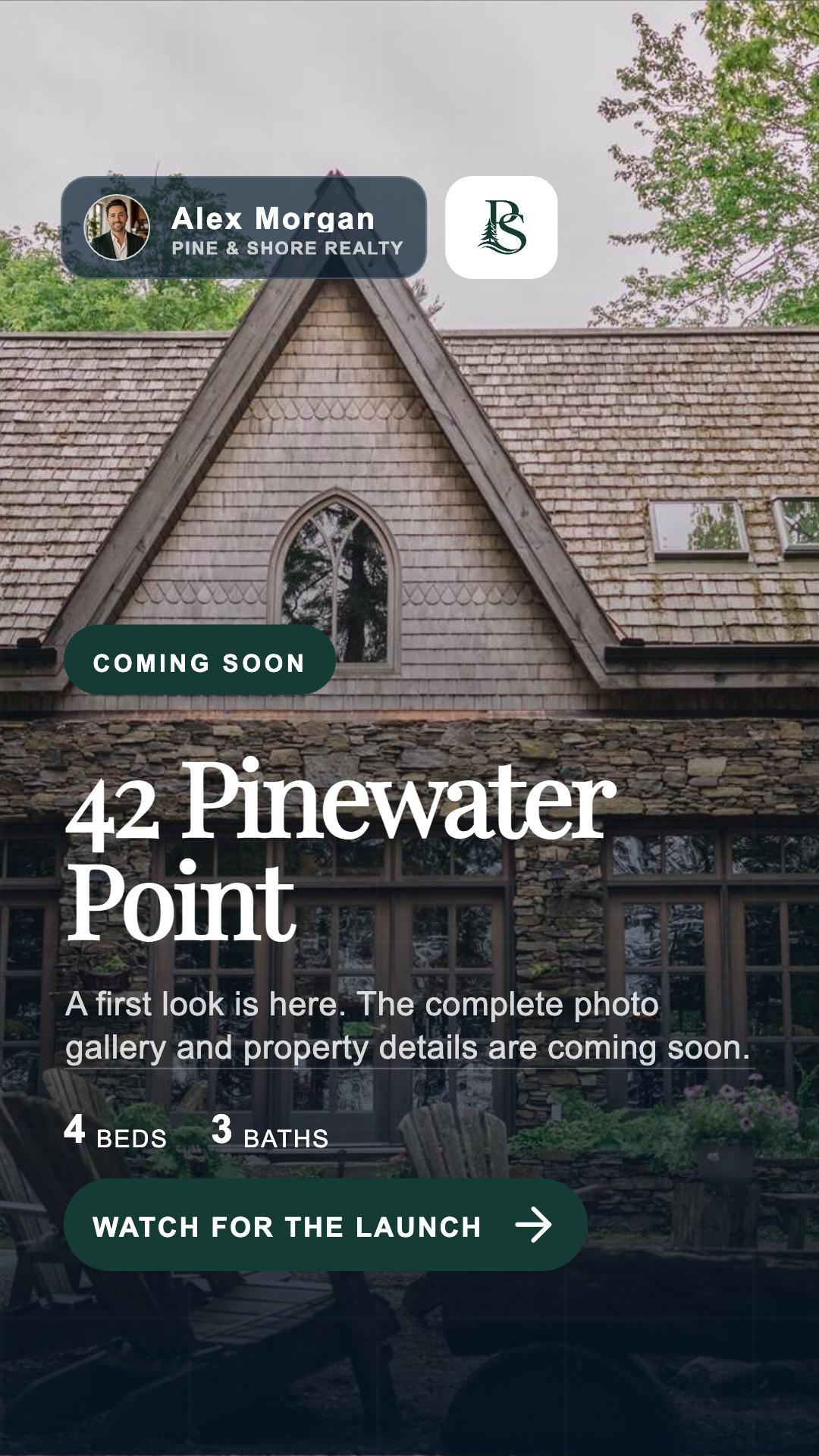
 20 SEC
The same property record moves from source material to finished creative and then into an explicit publishing step.
Photos, facts, timing and the selected brand become the shared source.
Open coordinated Post, Story and Reel ideas instead of a blank canvas.
Keep the prepared work or edit the copy, media, layout and timing.
Choose the exact destinations and when each selected piece should publish.
The facts and identity stay coordinated while the composition, pacing and message change for the feed, Stories and Reels.
Lead with the launch, then use supporting slides and a complete listing-aware caption to keep the story moving.
Large type, concise messages and full-screen spacing make the listing easy to absorb one moment at a time.
Explore listing StoriesCombine property scenes, feature callouts, music and a clear agent-led next step in an editable vertical timeline.
Explore listing videoKeep the campaign varied as the listing moves from early interest to launch, follow-up and buyer action.
Read the complete Campaign Studio guideBuild curiosity before the complete listing is public.
Introduce the property, its strongest facts and the next step.
Give one memorable feature or lifestyle detail its own moment.
Turn the property media into a short, branded discovery format.
Invite interested buyers to take a specific, useful action.
Prepare open-house, price or status content when those details exist.

The campaign is useful before you touch a control. When a listing needs something more specific, the deeper editor is there.
Listing-aware captionsOpen the full caption editor, revise directly or ask for a new version grounded in the property.
Your selected brandCarry the listing's colors, fonts, agent identity, brokerage and optional compliance text through the campaign.
Editable compositionsMove, resize, recolor, reorder or remove individual media, text and overlay layers when you want control.
Your own photos and videoAdd scenes, replace media and preserve a format-aware layout instead of forcing one design into every size.
The Post can stop the scroll, the Story can build curiosity and the Reel can show the tour. A branded listing website gives the interested buyer the complete gallery, facts and contact path.
Explore listing websitesCreation and publishing stay separate, so the starting point is fast and the final decision remains yours.
No. Generated content stays ready for your review. You choose the Post, Story, or Reel, then confirm the compatible destination and timing in Social Planner before anything publishes.
No. They share the listing facts and brand, but each format gets a layout designed for how it is viewed: swipeable feed content, full-screen Story cards or a motion-first Reel.
Yes. You can revise captions, replace photos or videos, reorder content and open individual text, media and overlay layers for deeper changes.
Yes. A ListingAI listing website gives the campaign one branded property link for buyers who want the complete gallery, facts, video and contact path.
Yes. Social Planner can publish text, up to 10 images, or one MP4 video to a connected LinkedIn personal feed. Campaign Posts keep their images together, and finished Social V2 Reels publish as LinkedIn Feed videos. Stories use supported Facebook and Instagram accounts. LinkedIn Pages, Stories, and LinkedIn analytics are unavailable.
Create the campaign, make the changes you want and send only the selected pieces to Social Planner.
© 2026 MappedBy Inc. All Rights Reserved