01
Designed for the full screen
Use a true 9:16 composition with large type, focused messages, and breathing room for the way Stories are actually viewed.

Turn listing photos, facts, and your selected brand into a native 9:16 Story sequence. It arrives as part of a coordinated Post, Story, and Reel campaign—ready for you to review and edit.
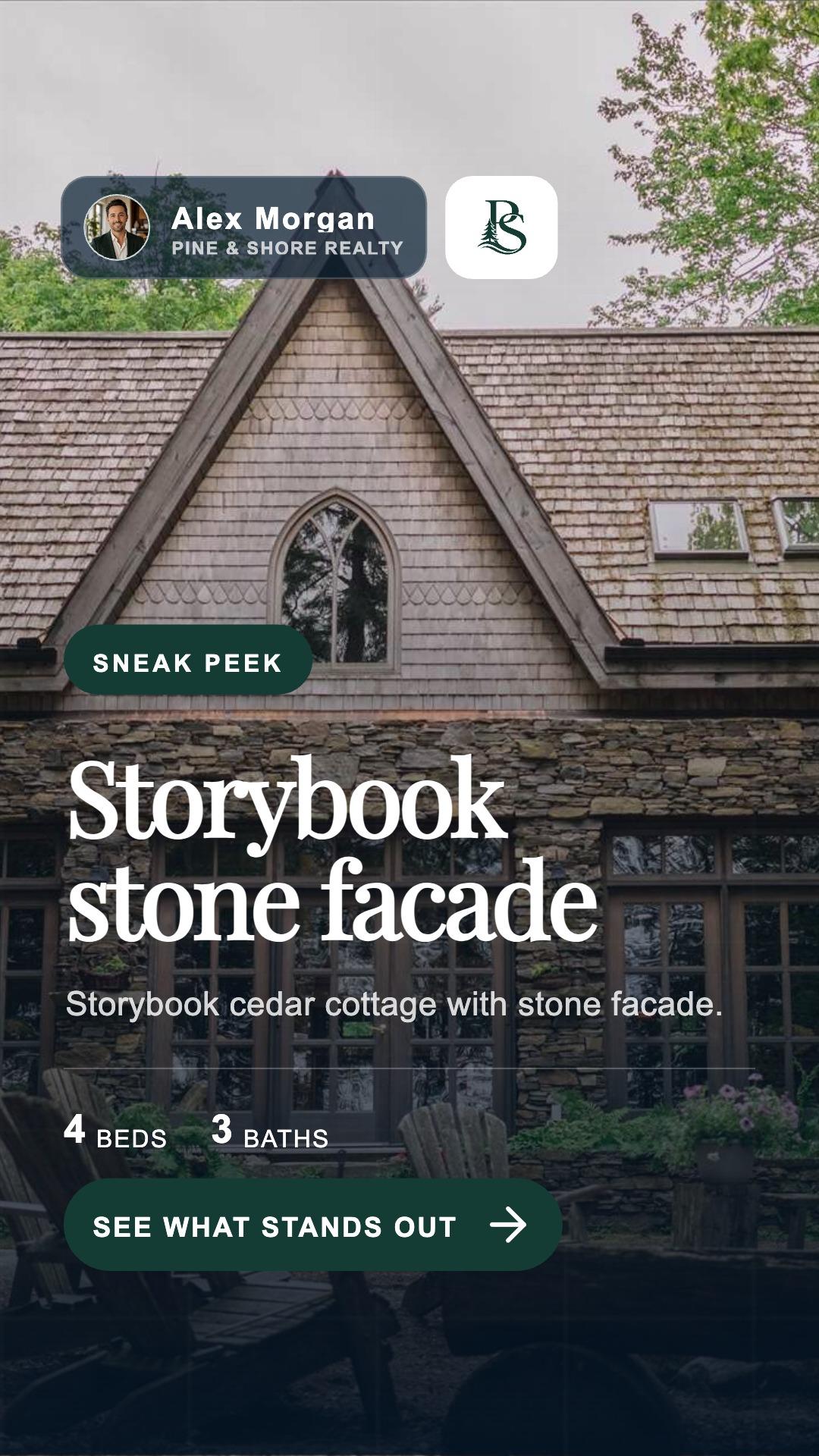 2 / 2
2 / 2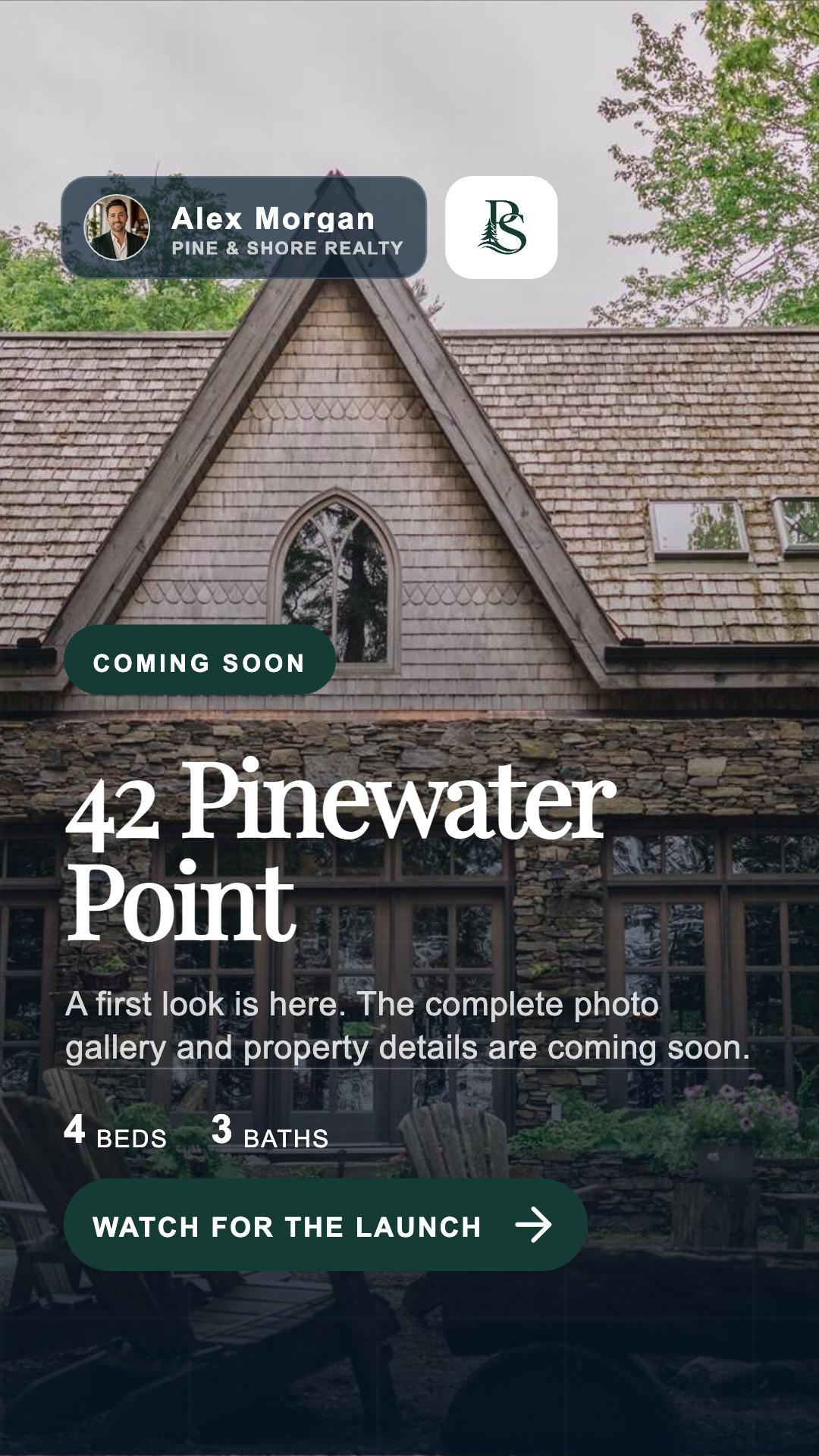 1 / 2
1 / 2Stories move quickly. The design should make the listing easy to absorb at a glance without dropping the identity that ties the complete campaign together.
Use a true 9:16 composition with large type, focused messages, and breathing room for the way Stories are actually viewed.
Open with the listing, build interest one card at a time, and finish with a clear next step instead of forcing everything onto one slide.
Keep the listing facts and selected brand coordinated with the Post and Reel while giving the Story its own native layout.
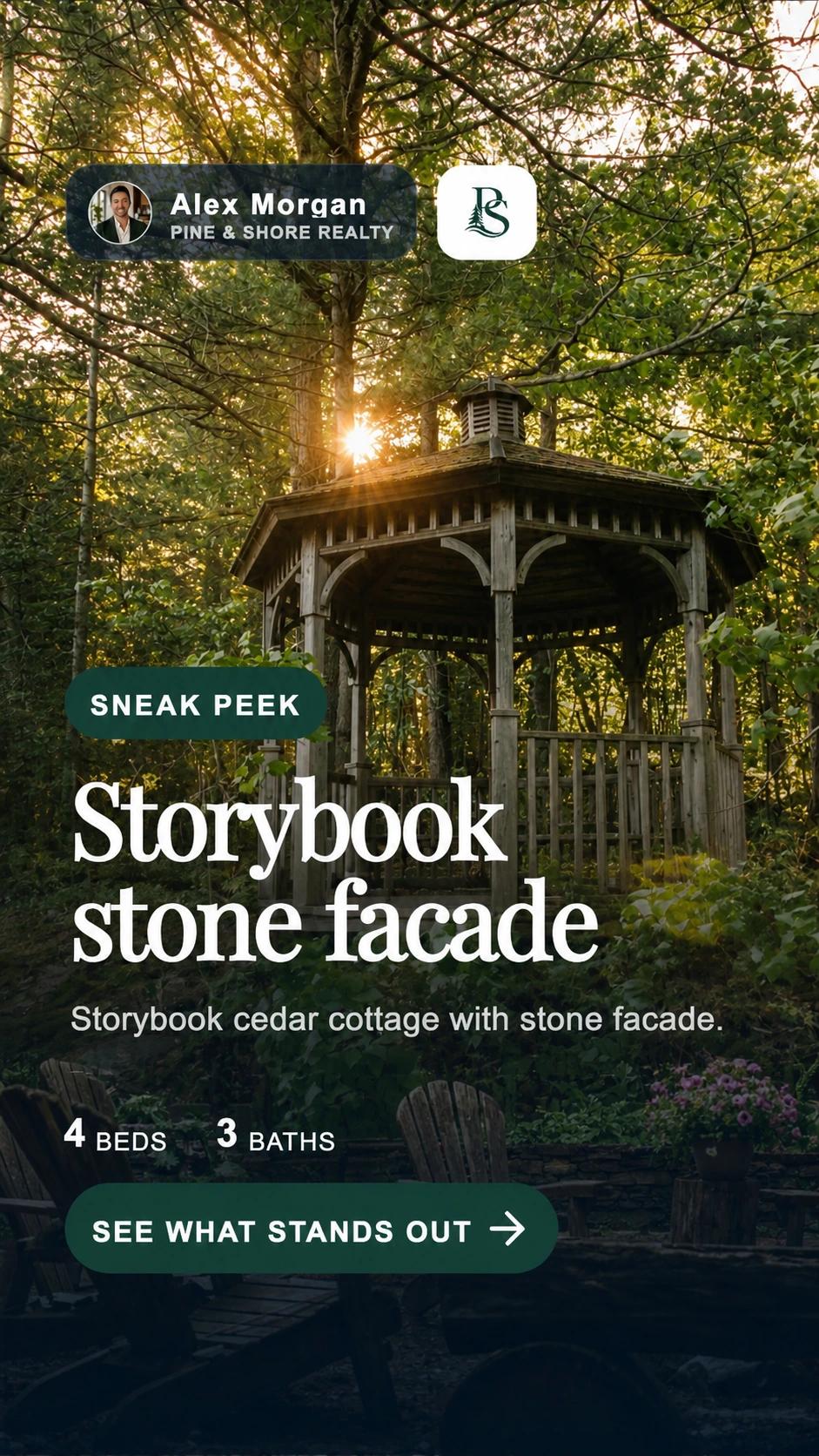
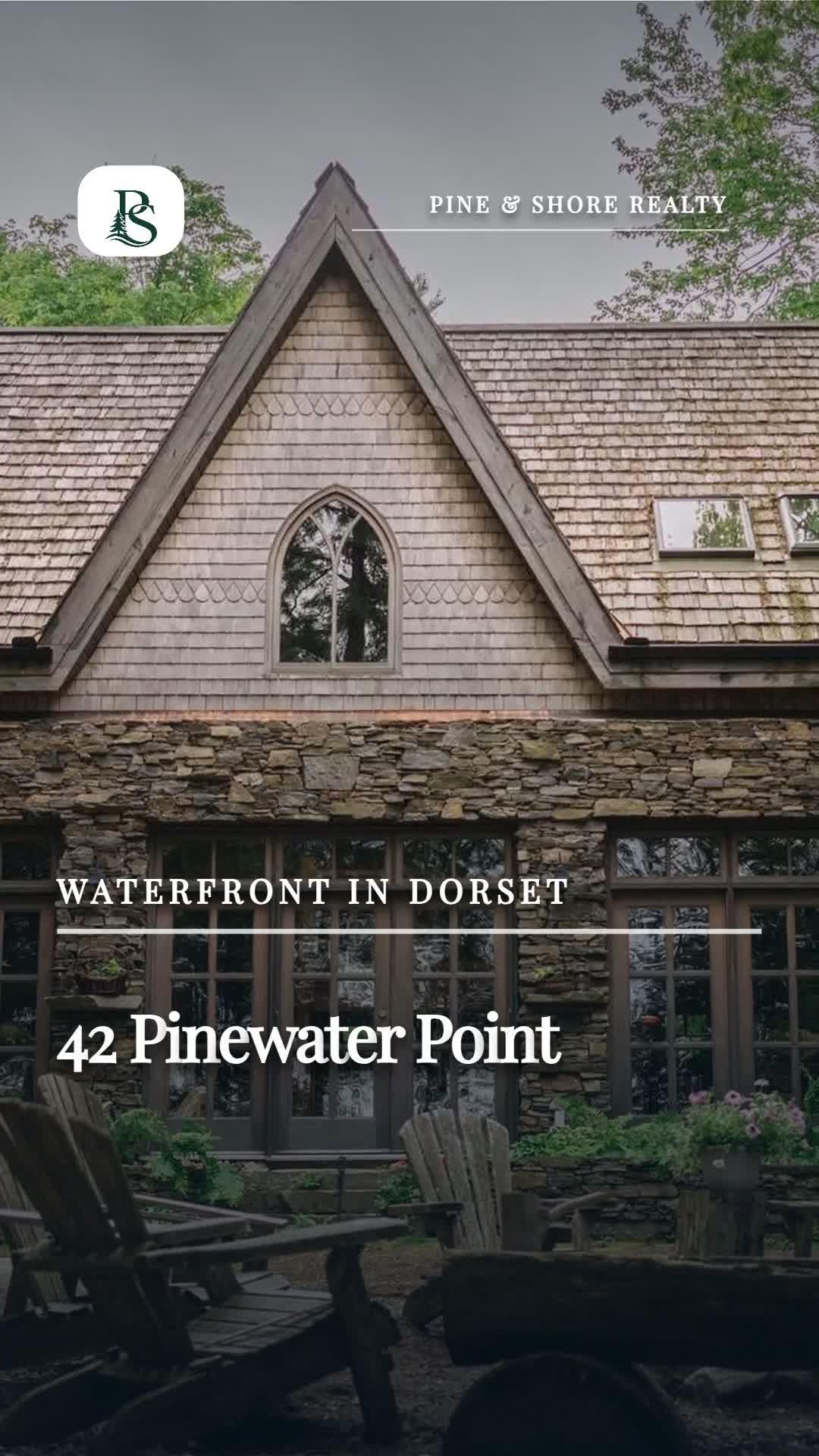
This example started with the property photos, four bedrooms, three bathrooms, a $1,349,000 asking price, and Alex Morgan’s Pine & Shore Realty brand. The opening card builds curiosity; the next card gives the viewer a different reason to keep going.
The first draft is built to be useful immediately. When a particular listing needs more, the editing controls are there.
Reorder, duplicate, or remove cards until the Story follows the rhythm you want.
Edit focused on-screen copy and open the listing-aware caption editor when the supporting text needs a change.
Add listing photos or video and change individual media, text, and overlay layers when a prepared card needs a custom touch.
Start from the listing’s selected colours, fonts, agent identity, brokerage, logo, contact details, and optional compliance text.
ListingAI prepares the three formats from the same listing and selected brand. Each one gets the composition and pacing it needs, while the property facts and visual identity stay aligned.
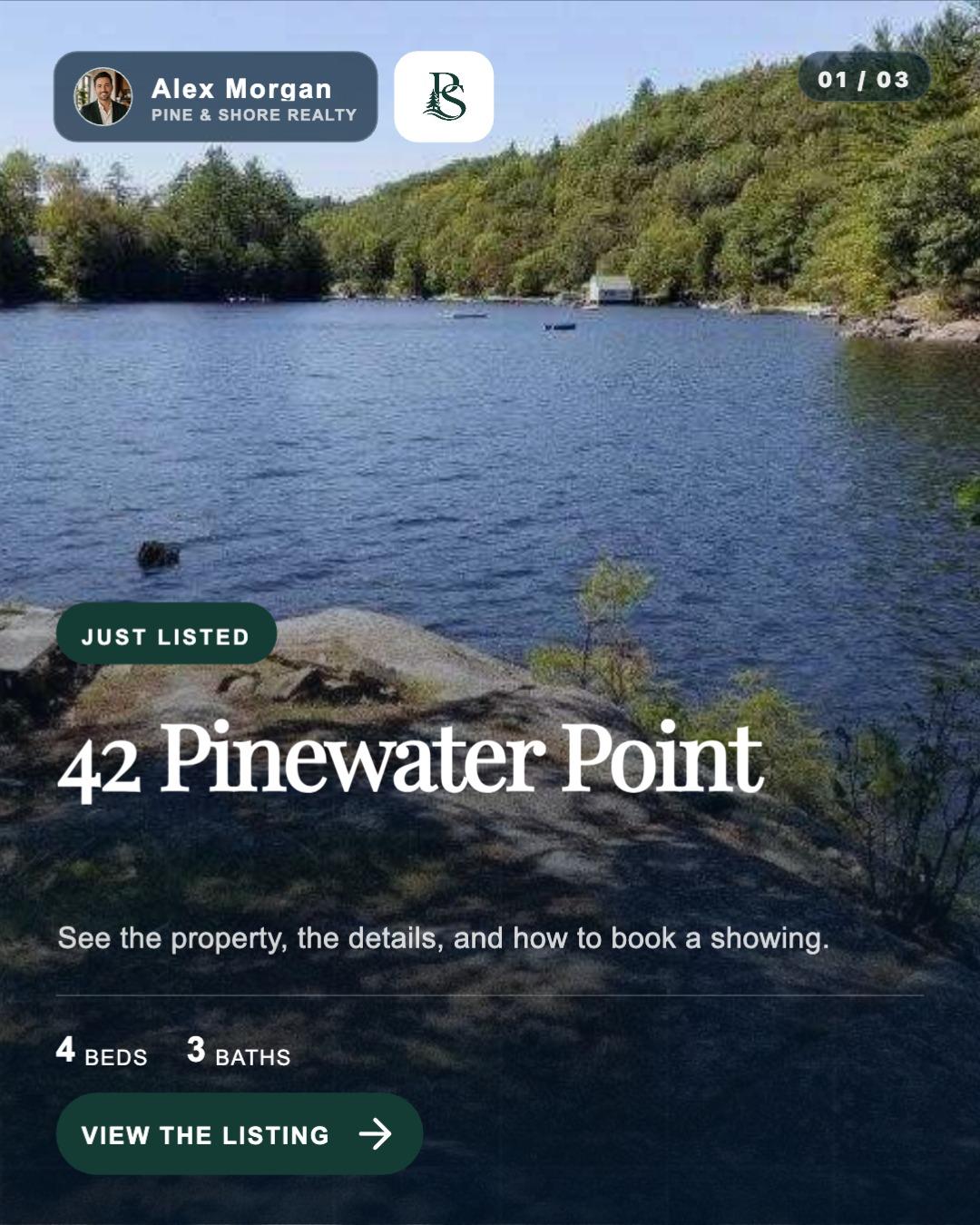
Creating a Story does not put anything live. You decide what leaves the editor, where it goes, and when it should appear.
Explore Social PlannerListingAI uses the property photos, facts, timing, and selected brand already attached to the listing.
Open a coordinated 9:16 sequence alongside the Post and Reel prepared for the same campaign.
Keep the starting point, or adjust the cards, media, copy, layers, and order for this property.
Choose the exact Facebook or Instagram destination, review the timing and preview, then publish or schedule.
Pair short-form social content with an individual listing website that holds the full photos, facts, property story, selected video, map, and agent contact path.
A native format, a useful starting point, and a clear review step before anything reaches a connected account.
No. The Story is composed for a 9:16 full-screen canvas with concise on-screen copy and space for the way people tap through Stories. It shares facts and branding with the Post and Reel, but keeps the layout its format needs.
The starting point comes from the listing photos, property facts, launch timing, and selected brand profile already attached to the listing.
Yes. You can reorder, duplicate, or remove cards; add photos or video; revise the copy and caption; and change individual text, media, and overlay layers.
No. Creating or editing a Story does not publish it. Social Planner is where you confirm the exact Facebook or Instagram destination, preview, date, and time before publishing or scheduling.
Bring the listing once. Review its Story alongside the Post and Reel, make the changes you want, then confirm the destination in Social Planner.
© 2026 MappedBy Inc. All Rights Reserved