

A complete listing campaign is ready at once.
ListingAI prepares coordinated Posts, Stories and Reels from the listing, then gives the agent a clear place to review, edit, download or schedule every piece.
Photos, facts, positioning and the selected brand give every campaign piece a strong shared foundation.
The prepared Post, Story and Reel can be scheduled together or used individually.
Nothing publishes because ListingAI generated it. The final destination, account and timing are confirmed in Social Planner.
Here is what ListingAI made for 42 Pinewater Point.
This example started with real listing photos, four bedrooms, three bathrooms, a $1,349,000 asking price and the agent's existing Pine & Shore Realty branding. The campaign was prepared without manually rebuilding the design for each format.
42 Pinewater Point
A waterfront property campaign for Alex Morgan at Pine & Shore Realty. Each piece uses the same facts and identity, but the composition changes for the way the format is consumed.
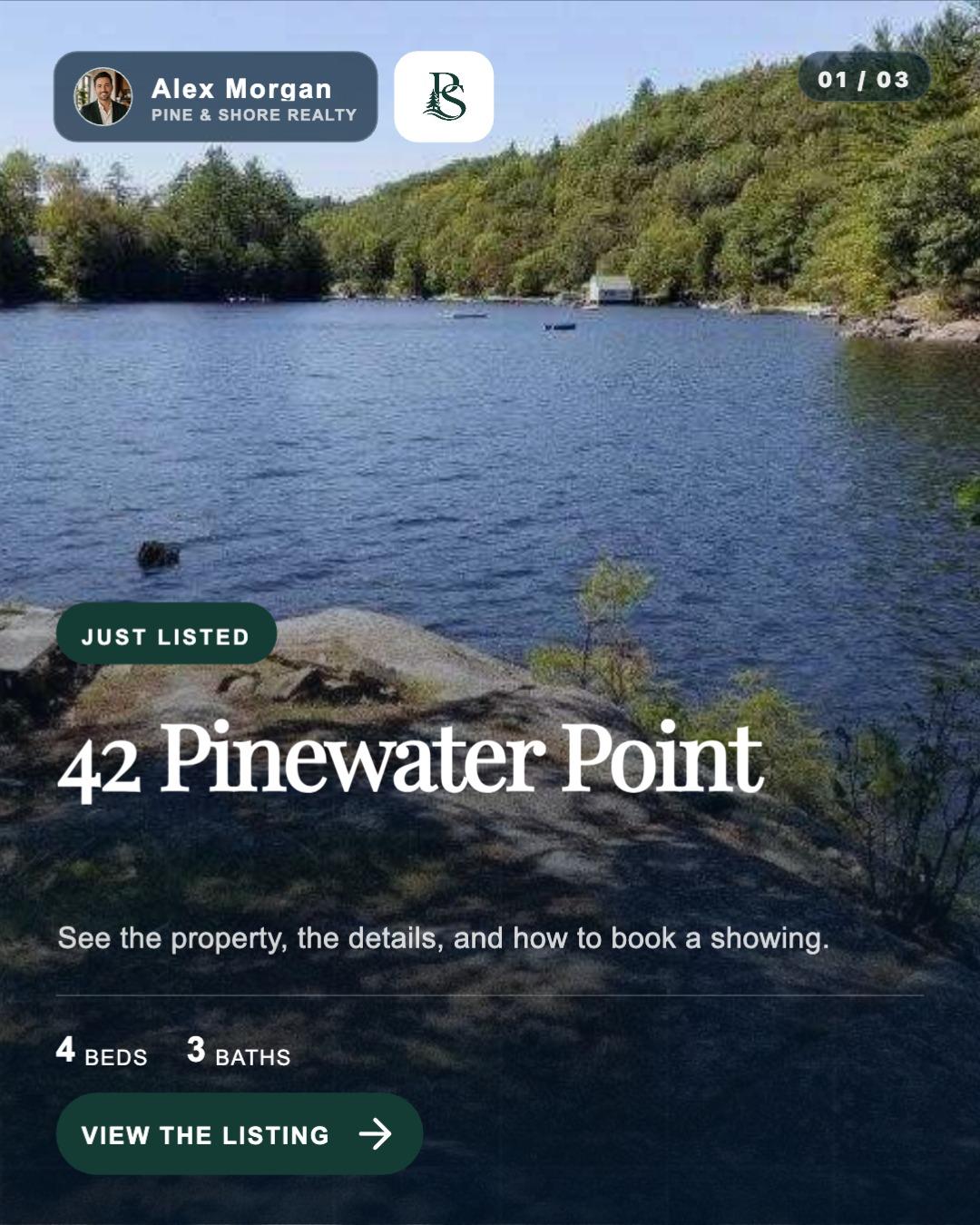

A feed post that tells a short story
The first slide establishes the listing and the second earns the swipe with a different property detail. Branding, pagination and the call to action are designed into the composition.
- Uses readable price and property facts
- Keeps every slide in the same visual system
- Includes a listing-aware caption for Facebook and Instagram
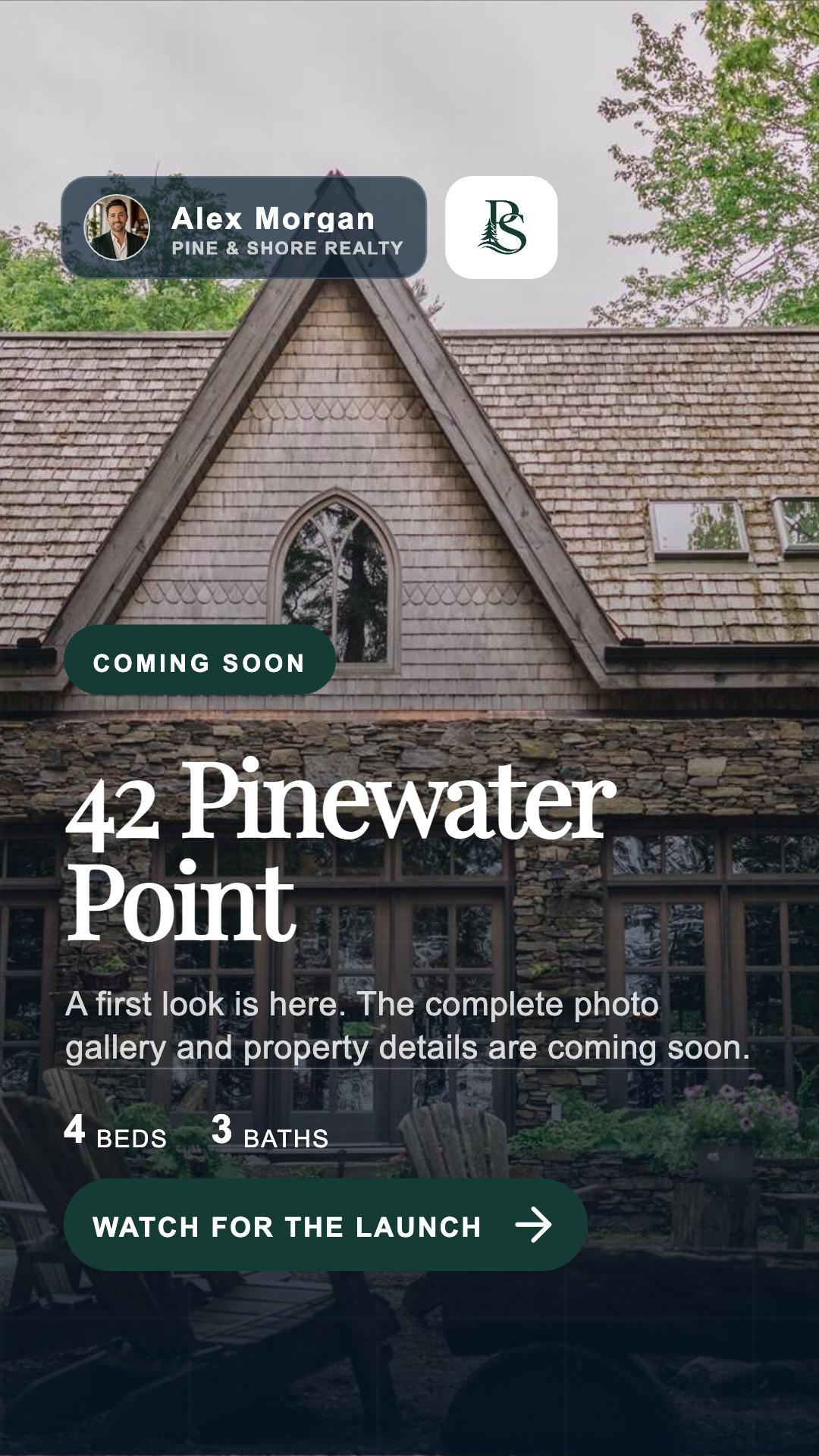
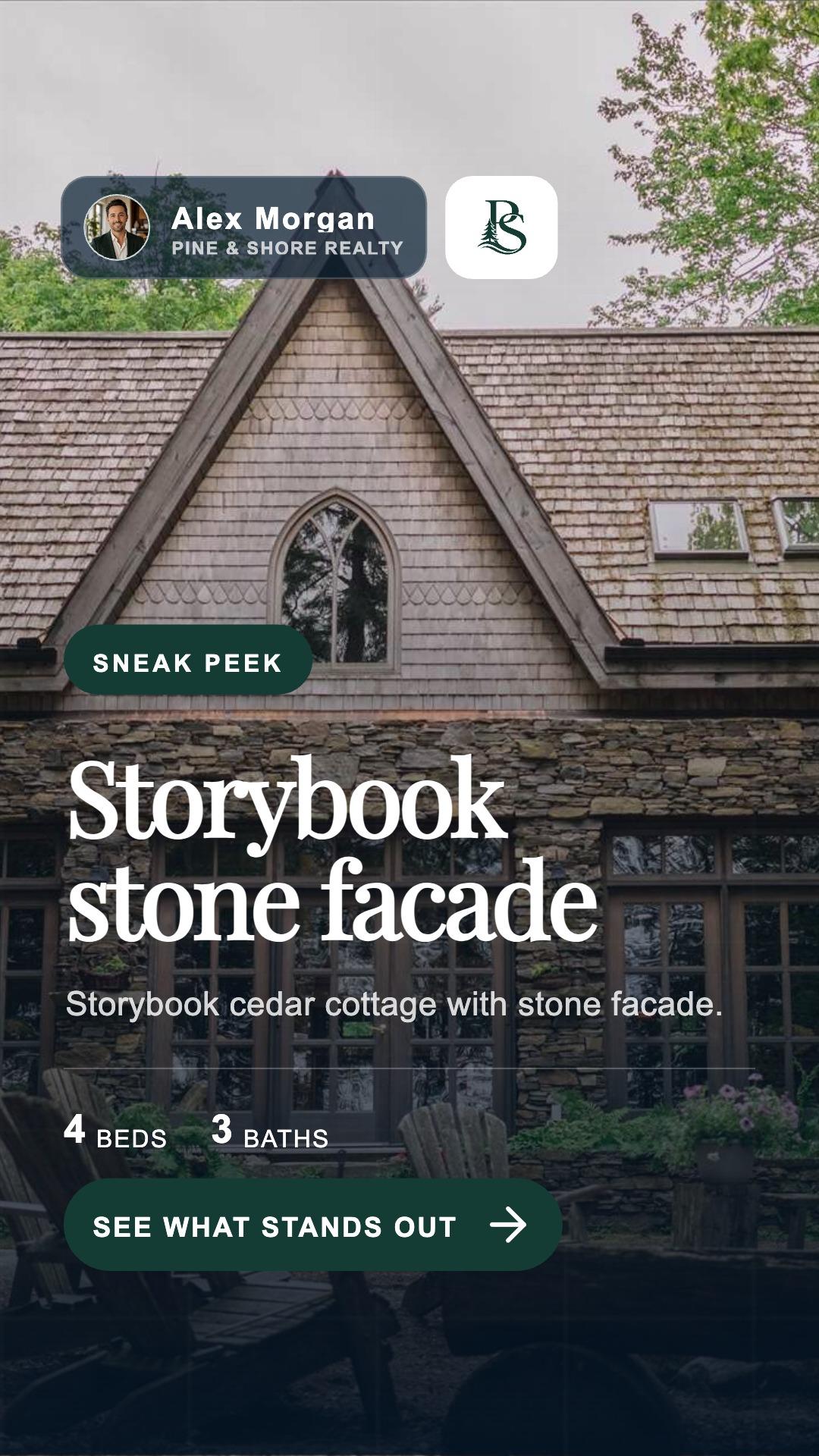
A full-screen story buyers can absorb quickly
Large type, focused messages and spacious vertical compositions turn the listing into a natural tap-through sequence.
- Consistent agent and brokerage identity
- Focused on-screen copy that can be read quickly
- Individual cards can be reordered, duplicated or removed
A polished tour designed for discovery
Listing photos and clips become a quick, branded tour with motion, music, memorable feature callouts and an agent-led next step.
- Standard motion or reusable Cinematic animation
- Editable scene, text and audio timing
- Exports as a finished video for Social Planner
Explore the finished Post, Story and Reel created for this listing.
A useful campaign has different beats.
ListingAI gives each campaign item a distinct job, from early curiosity and launch-day reach to property highlights, tours, showing invitations and timely listing updates.
A curiosity-building Story that works before the full listing is public.
A swipeable Post with the address, property facts, highlights and a clear next step.
A second angle on the property instead of repeating the launch graphic.
A short Reel assembled from listing photos, video clips, text, branding and sound.
A direct invitation that gives interested buyers a useful action.
Price changes, open houses and status updates stay visible and ready when the facts exist.
Use the selected listing brand—and keep it in sync.
The campaign inherits the listing's selected brand profile: colors, fonts, agent identity, brokerage, logo, contact details and optional compliance text. When that brand changes, generated content can refresh so the complete campaign stays current.
Open the full caption editor from any caption preview, revise directly or ask for listing-aware generation.
Keep the prepared layout or unlock individual text, media and overlay layers to move, resize, recolor or retime them.
Drop photos or videos into Posts, Stories and Reels; add scenes and preserve the correct aspect ratio.
Turn a useful idea into a Post, Story or Reel while letting the destination format reshape the layout.
The campaign can begin with intentional placeholders, then refresh in place when listing photos are added.
The path to the first published post is explicit.
Open the first ready item or preview the campaign sequence on mobile or desktop.
Select the Post, Story, Reel—or only the pieces that make sense today.
Choose the exact compatible destinations and publish now or schedule.
Campaign carousels, Stories, and Reels publish to supported Facebook and Instagram accounts. LinkedIn personal profiles can receive a feed post with text, up to 10 images, or one MP4 video. Finished Social V2 Reels publish as LinkedIn Feed videos. LinkedIn Pages and Stories are unavailable. LinkedIn analytics are not available, and reconnecting may occasionally be required when access expires.
See how the Campaign Studio works.
The detailed guide covers the editor, formats, brand profiles, captions, media, Reel timeline and Social Planner handoff.
Read the Campaign Studio guide →Give the listing photos once. Start with content worth publishing.
Create a listing, review the Post, Story and Reel ListingAI prepared, then schedule the pieces that fit your launch.