Pine & ShoreIndividual property website
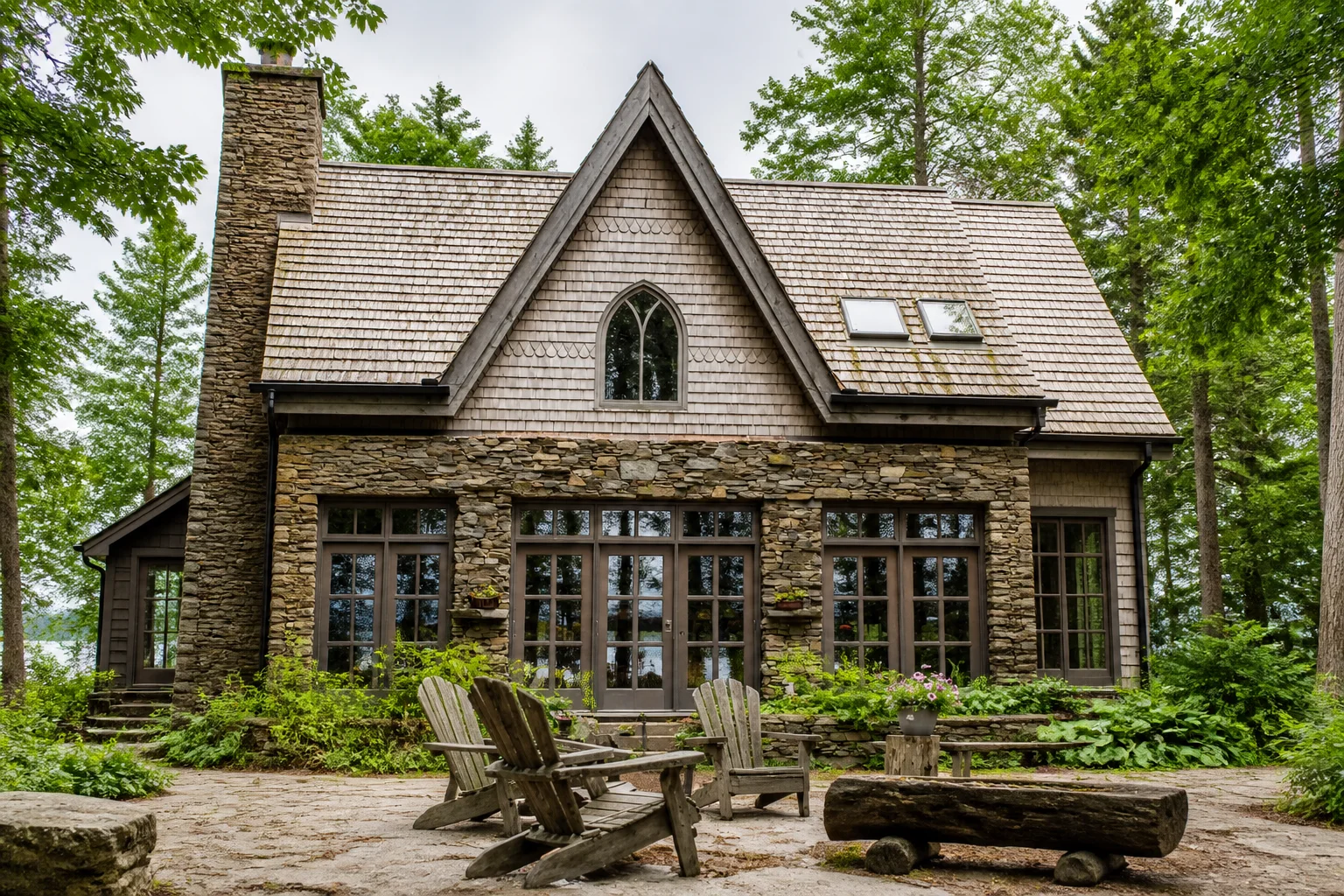
For sale · Lake of Bays, Ontario
42 Pinewater Point
Storybook waterfront cottage
Offered at$1,349,000
4Beds3Baths
View property 
ListingAI turns the facts, photos, and branding already in your listing into an individual property page. Share it directly, or feature it from your agent website as part of the same brand.
Storybook waterfront cottage
Portal pages are useful for search. Your listing website is the destination you control when you are actively marketing the home.
Give social posts, emails, QR codes, and client messages one polished destination that keeps the listing easy to explore.
Show sellers the page their home will receive—not a promise buried in a marketing plan or another generic portal link.
The direct property link works on its own. If you have an agent website, you can also feature the listing there as part of the same branded experience.
 Pine & ShoreRealty
A local team for thoughtful buying, selling, and cottage-country advice.
Meet the team Pine & Shore Realty
Each property page has its own direct link and works independently. Add an agent website when you also want a permanent brand destination and a curated place for buyers to discover those listings.
Make the page easy to scan at first glance and rich enough for a serious buyer to keep exploring.
Lead with the strongest images, price, address, bedrooms, bathrooms, and the details buyers scan first.
Bring the listing description, highlights, image captions, and important property information into one readable page.
Choose which ListingAI video appears on the property page when motion tells the story better than still images alone.
Help buyers understand the setting with a map and the community highlights you decide are useful to show.
Keep your agent identity and contact options close to the listing so the next conversation starts with the right person.
Use listing-website analytics to understand how much attention the page receives when you share it across campaigns.
The Post can stop the scroll. The Story can build curiosity. The Reel can show the tour. The listing website gives every interested buyer the same place to continue.
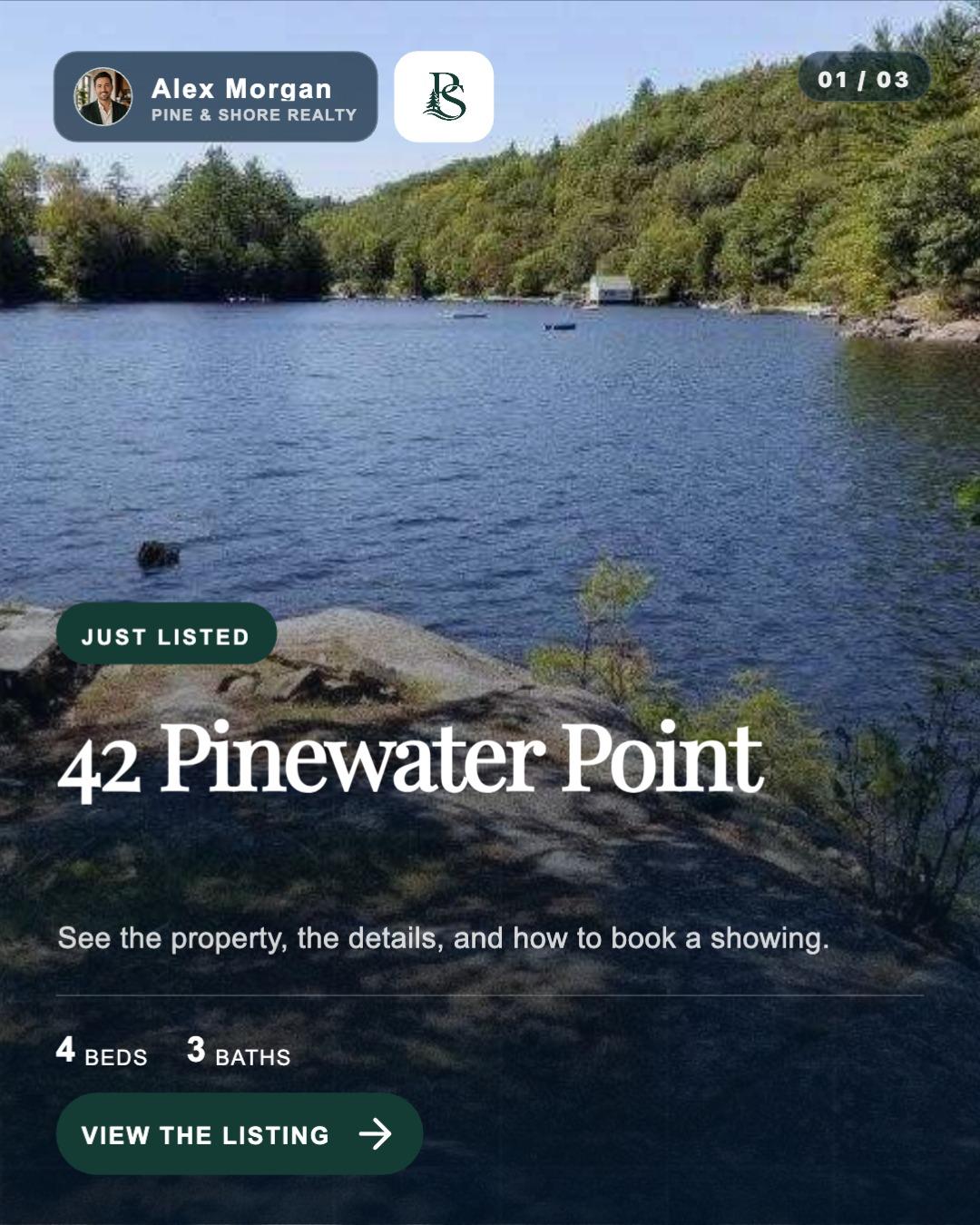
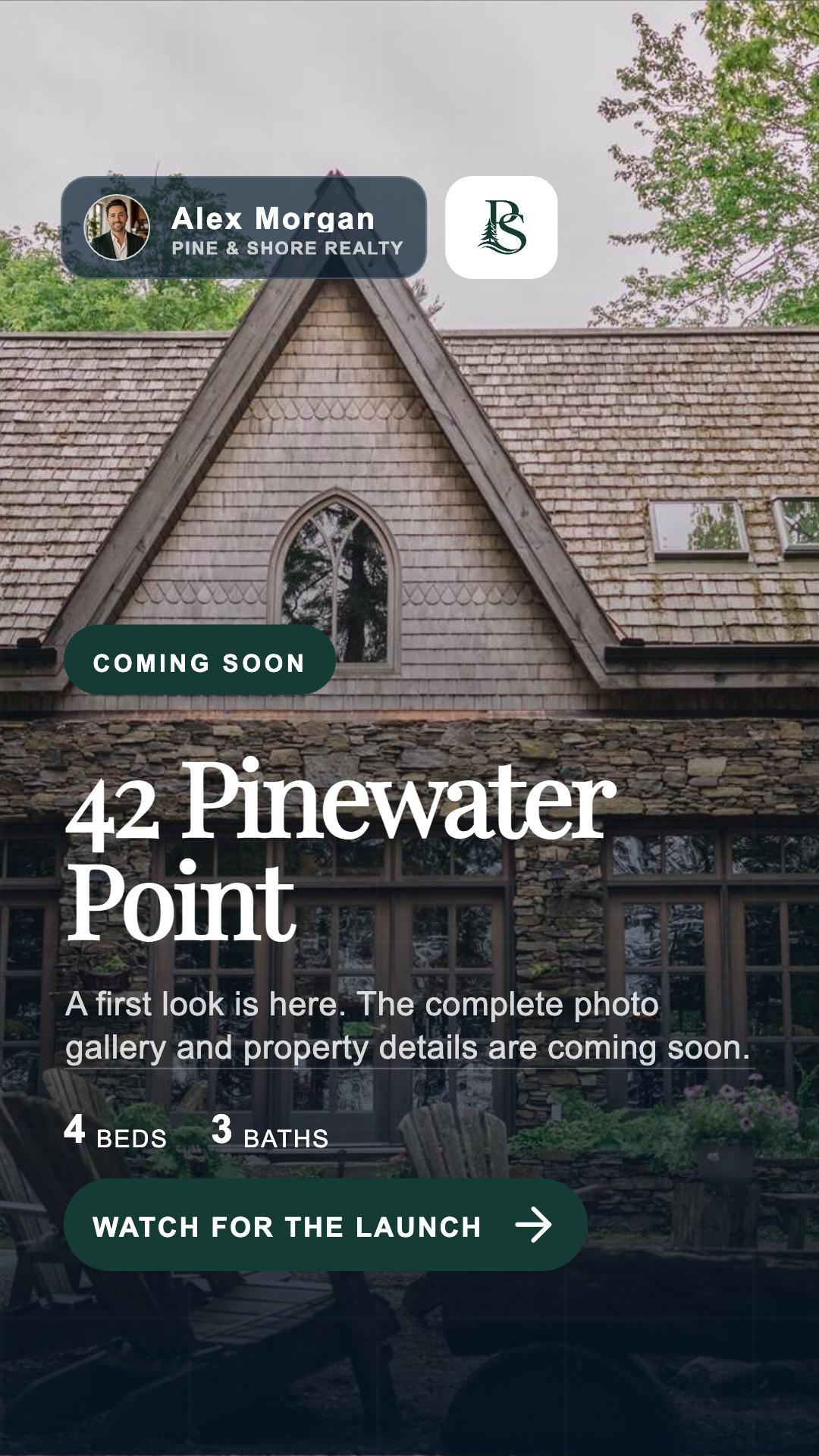
The page is another output of the listing—not another website project you have to rebuild from scratch.
Add the property facts, description, photos, video, and branding in ListingAI. The page begins with the information already in that record.
Choose what appears, confirm the selected media and community details, and preview the branded page before it goes live.
Feature it on your agent website, then use the direct URL in social content, email, texts, open-house materials, and QR codes.
Create the property once, then use the page wherever the listing needs a complete, branded destination.
They do different jobs. Your agent website is the permanent hub for your brand, services, team, and portfolio. A listing website is the individual property page for one listing. It works on its own and can also be featured from your broader website.
No. Every listing website has a direct hosted URL you can share on its own. An agent website is optional; it gives your brand a permanent home and a curated place to feature those individual property pages.
Yes. The page starts with the property information and media already in your ListingAI listing. You still review what appears and choose the final content before sharing it.
Yes. Scheduled listing visibility lets you prepare the property page in advance and control when it becomes visible on your website.
Use it anywhere a buyer may want the full property story: social posts and Stories, email, text messages, digital ads, open-house materials, and QR codes.
Create the listing page, then connect it to the website and campaign around it.
© 2026 MappedBy Inc. All Rights Reserved