
Previous Post
Next Post


Andrew McGrath
Founder, ListingAI · April 2026 · 6 min read
What’s covered in this post
Your yard sign is the most viewed piece of marketing you have. Every neighbor walking their dog, every driver slowing down at the corner, every curious passerby — they all see it. But most of them will never call the number on the sign. That’s not because they’re not interested. It’s because calling is a big ask.
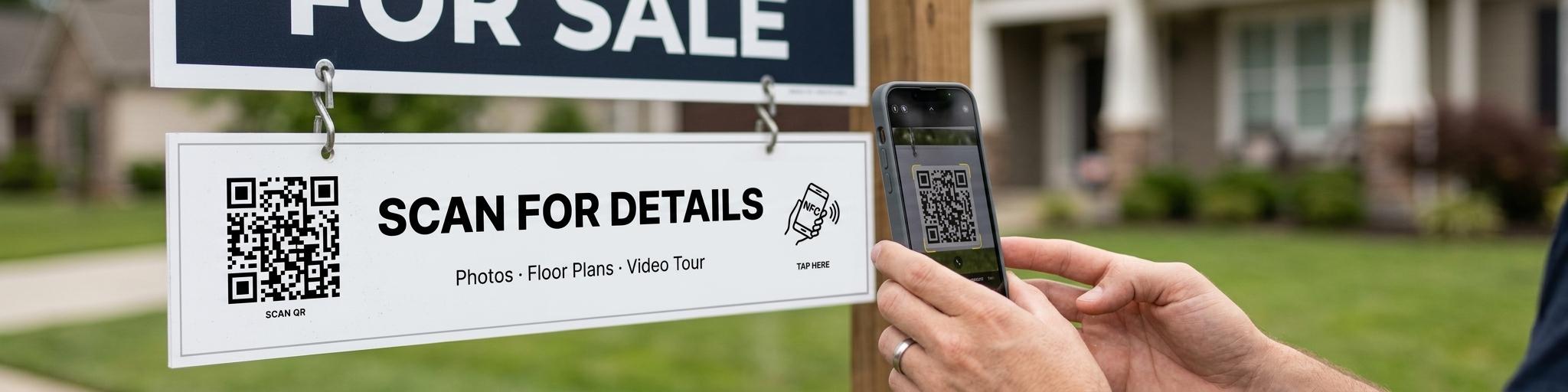
What if instead of asking them to pick up the phone, you let them scan a QR code or tap their phone? No commitment, no awkward conversation — just instant access to photos, floor plans, virtual tours, and your contact info. That’s exactly what a smart sign rider does.
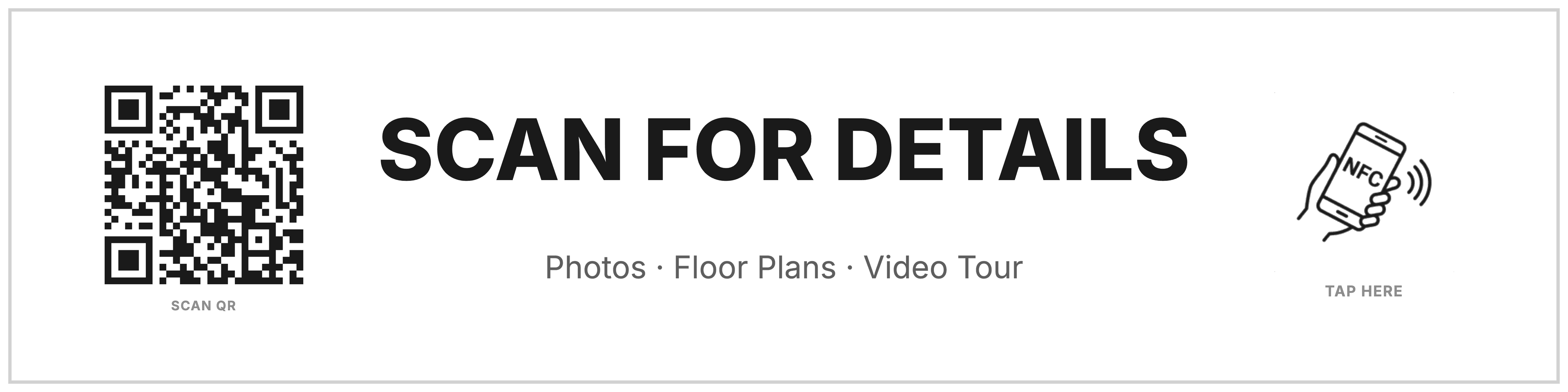
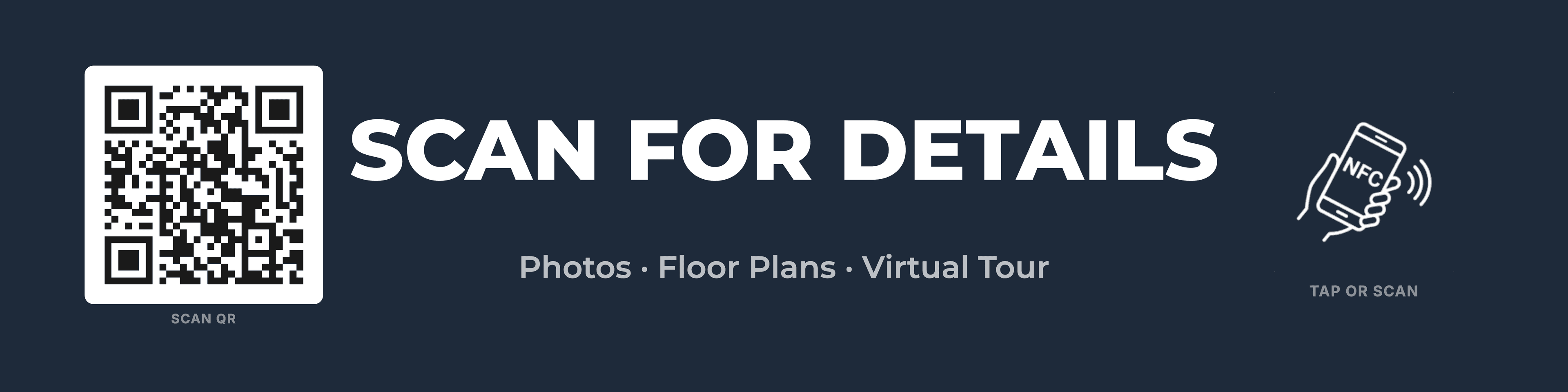
A sign rider is the small rectangular sign (typically 24" x 6") that hangs below your main For Sale sign. Traditionally, riders say things like “Open House Sunday” or “Just Listed.” A smart sign rider replaces that dead space with a QR code and NFC tap zone that connects directly to your listing.
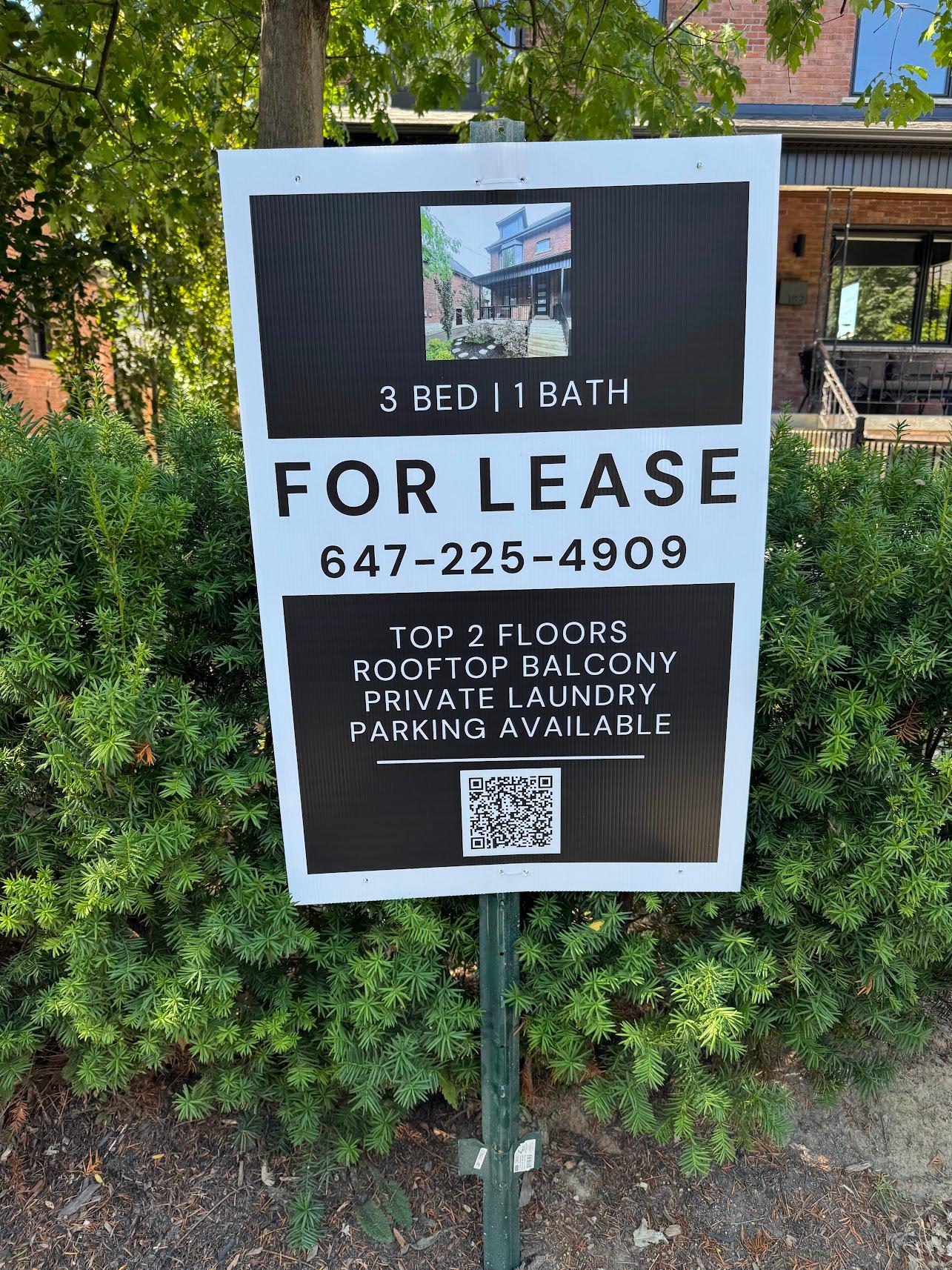
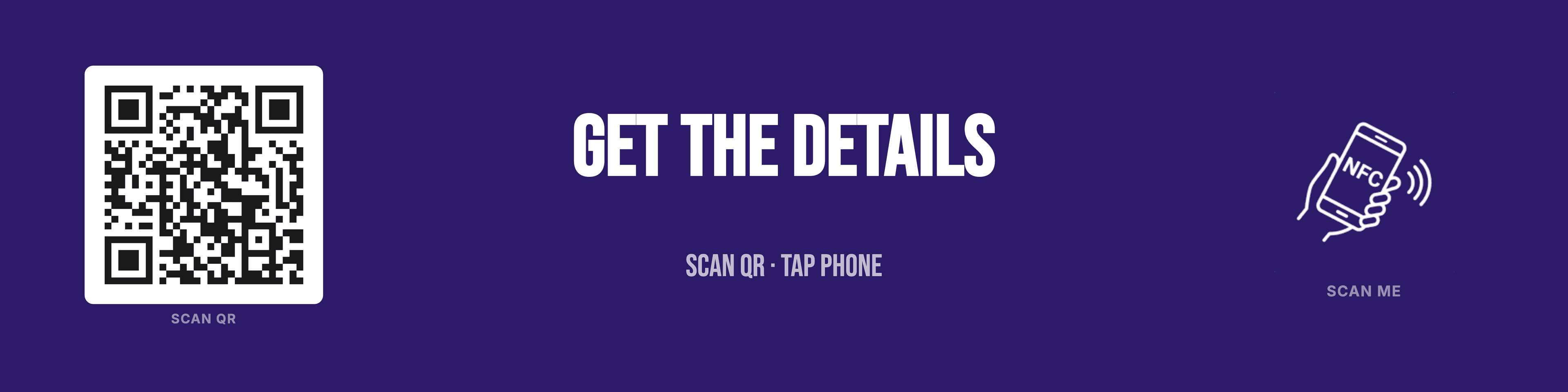
Last summer, I listed my rental property and added a QR code to the sign. Here’s the actual sign I used:
I was genuinely shocked by the results. The sign was getting 10 to 20 scans per day, and over the course of the listing, it generated 8 showings that I’m confident would not have happened otherwise. These were people who were walking or driving by, saw the sign, and instead of calling (which most people won’t do), they just scanned.
That’s the insight: people are passive. Calling a stranger is a lot to ask. But scanning a QR code or tapping an NFC tag? That’s safe and easy. It draws them in with zero commitment, and once they see the photos, the floor plans, the virtual tour — they’re emboldened to take the next step and reach out. The sign does the heavy lifting so you don’t have to.
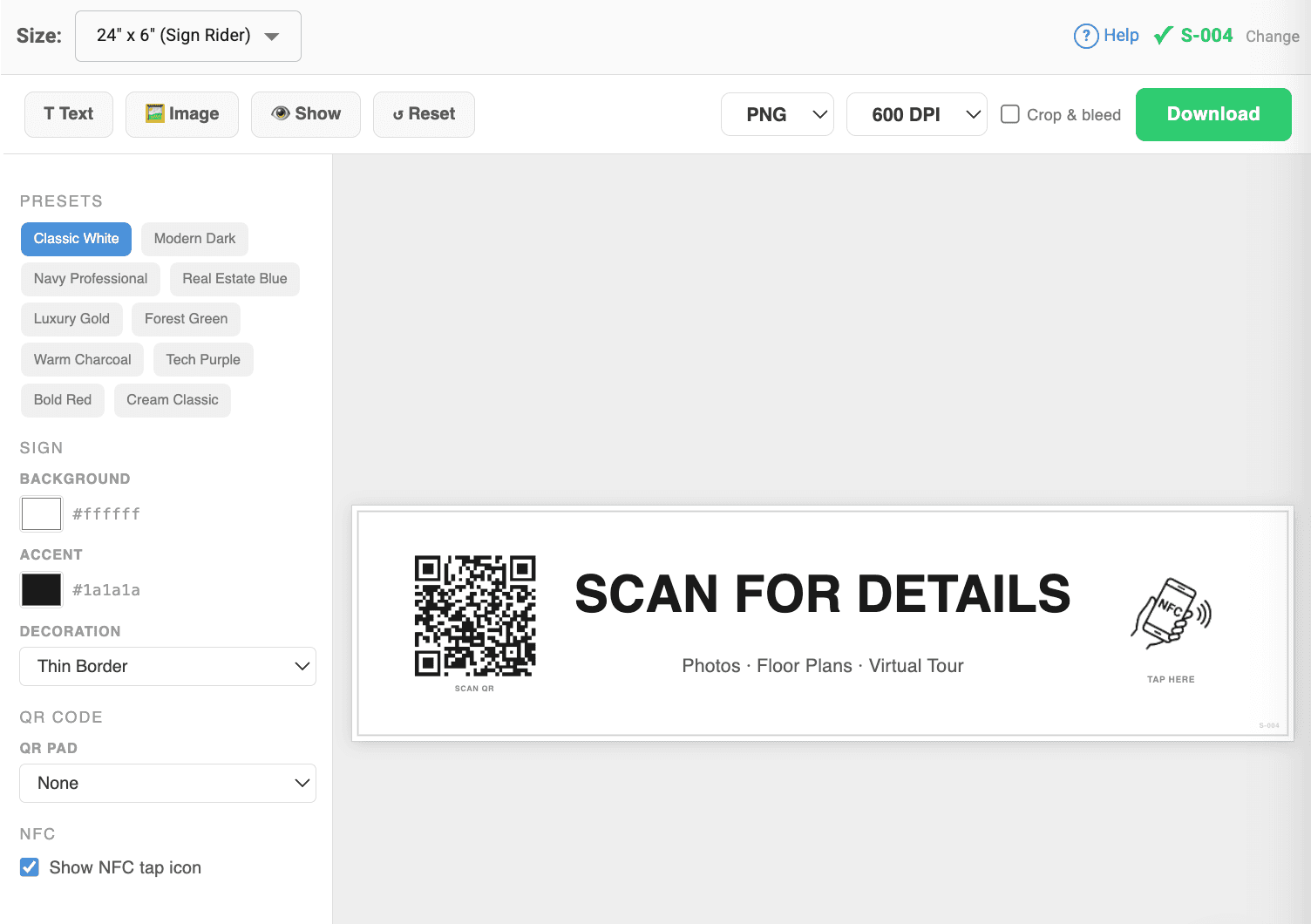
We built a sign rider editor directly into ListingAI. When you open the Signs tab on any listing, you get a visual drag-and-drop editor with everything you need:
QR codes are great, but NFC takes it a step further. NFC (Near Field Communication) lets someone tap their phone directly on your sign to open your listing — no camera, no scanning, no app. It’s the same technology used for contactless payments. If their phone can tap to pay, it can tap your sign.
Each sign you design in ListingAI includes an NFC tap icon. To activate it, you just need an NFC sticker on the sign. We handle the programming — after you download your sign, we’ll ask if you want NFC stickers and mail them to you pre-programmed with your sign’s tracking link.
How NFC works on your sign:
NFC demo video coming soon
See how visitors tap their phone on the sign to instantly view your listing
Getting NFC stickers
After you download your sign from the editor, we’ll ask if you want NFC stickers. Enter your mailing address and we’ll program the stickers for your sign’s unique tracking link and mail them to you. Just peel and stick.
Pricing: NFC tags are included free for your first listing, and we give you up to 5 per month at no charge on any paid plan. Additional NFC tags are $5 each, plus postage.
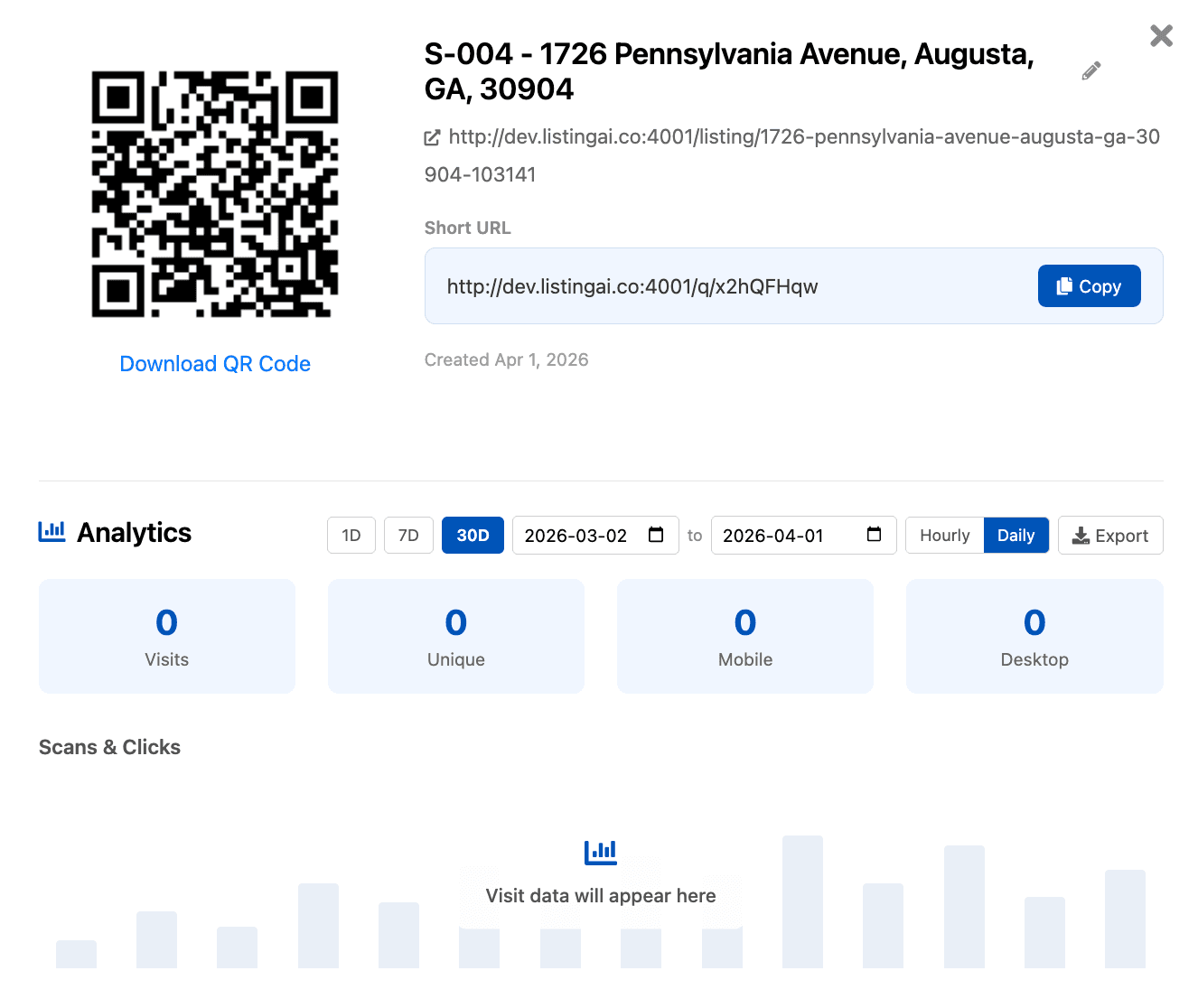
Each sign gets a unique tracking ID (like S-001) and every QR scan or NFC tap is recorded with analytics — you can see how many people scanned, what device they used, and when. This means you can finally measure the ROI of your physical signage. No more guessing whether the sign is doing anything.
Here’s the clever part: you don’t need a new sign for every listing. Each sign has its tracking ID printed in the corner. When a listing sells, just reassign the tracking links to your next listing from the Signs tab. The printed QR code stays the same — it just redirects to the new listing automatically. You can run a few signs for years, only replacing them when they get damaged or worn out.
Open any listing in ListingAI and click the Signs tab. Your sign gets a unique tracking ID (like S-004) and a QR code that links directly to your listing website.
Design your sign in the visual editor. Pick a preset theme, customize the text, colors, and fonts, or add your own images. Everything is drag-and-drop.
Download as PNG or PDF. We recommend 600 DPI for sharp prints. Enable “Crop & bleed” if your printer needs trim marks.
Send to your local sign printer — tell them it’s a 24" x 6" sign rider. They’ll accept the image file and know exactly what to do. Most printers can turn these around in a day or two.
Hang it and track. Mount the rider below your For Sale sign and watch the scans come in. Click your sign’s tracking ID to see real-time analytics — total scans, unique visitors, device breakdown, and source (QR vs NFC).
Want NFC stickers for your sign?
After you download your sign, we’ll ask if you’d like NFC stickers. Just enter your mailing address and we’ll program the stickers for your sign’s tracking link and mail them to you. Stick them on the sign where the NFC icon is — visitors just tap their phone to view your listing, no app needed.
Pricing: NFC tags are included free for your first listing. We include up to 5 per month at no charge for customers on any paid plan. Additional NFC tags are $5 each, plus postage.
Your yard sign is prime real estate (pun intended). Every day it sits there without a QR code, you’re leaving leads on the table. People want to engage with your listing — they just need a low-friction way to do it. A $10 sign rider with a scannable QR code is the highest-ROI marketing upgrade you can make this year.
Ready to try it?
The sign rider editor is available on every listing in ListingAI. Design, download, and print — it takes less than 5 minutes.
© 2026 MappedBy Inc. All Rights Reserved